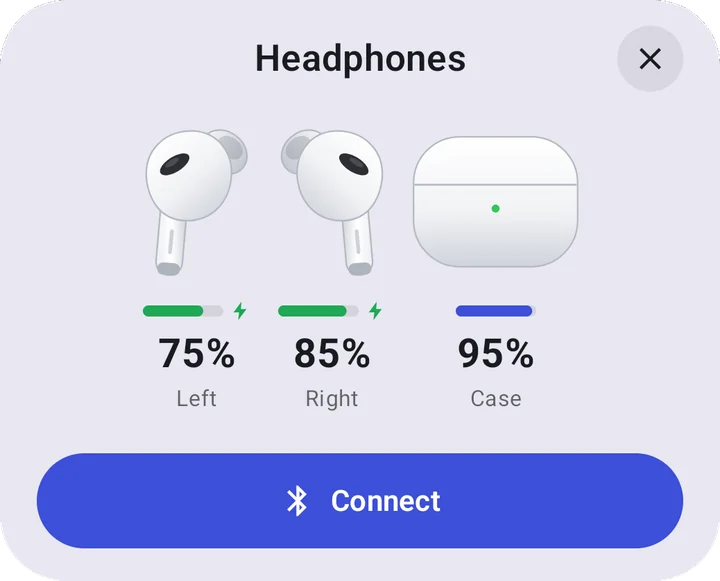
Pop-up
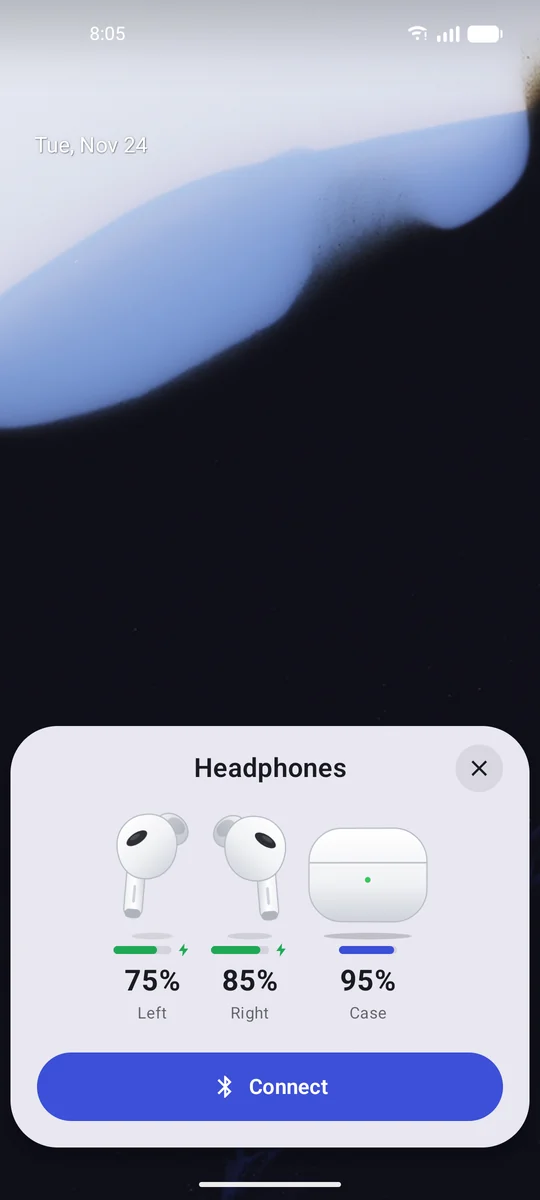
Pop-up when you open the case or connect, in five styles
Android 12+ · AirPods · Beats
PodsCheck shows the battery and status of AirPods and Beats on Android: a pop-up when the case opens, a battery notification, home-screen widgets, a Quick Settings tile and low-battery alerts.
Free
Pop-up when you open the case or connect, in five styles
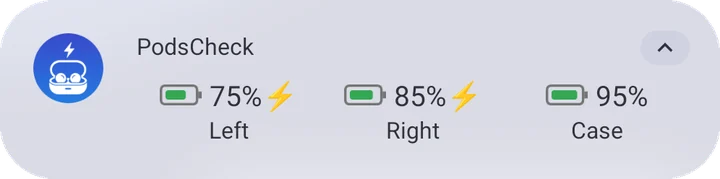
Battery notification, with the level as a status-bar icon if you like
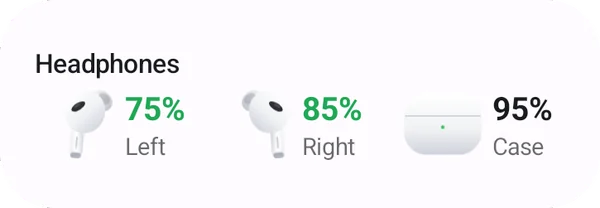
Home-screen widget in four styles
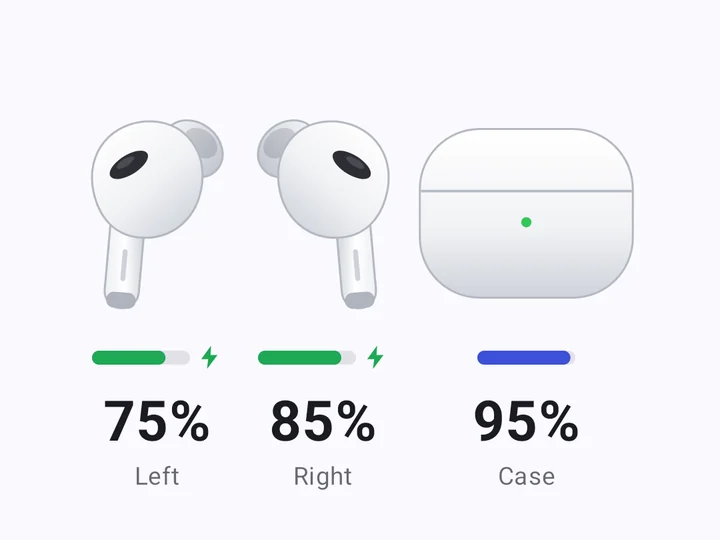
Battery of the left and right earbud and the case, with charging state
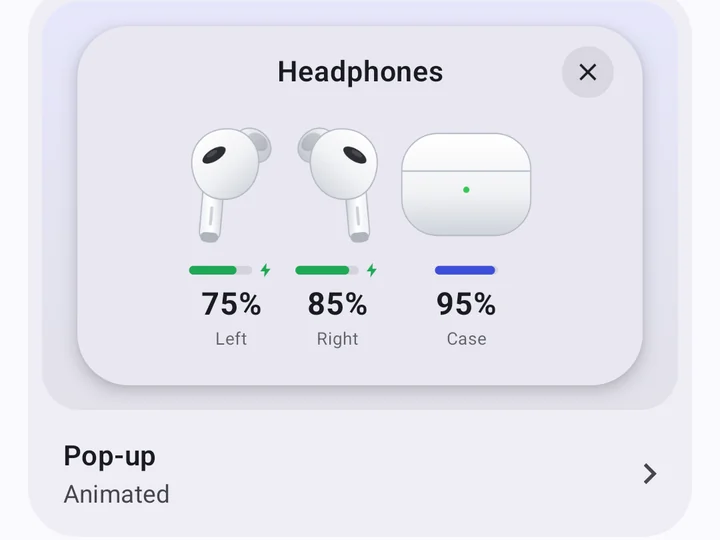
Pop-up, widget and notification your way
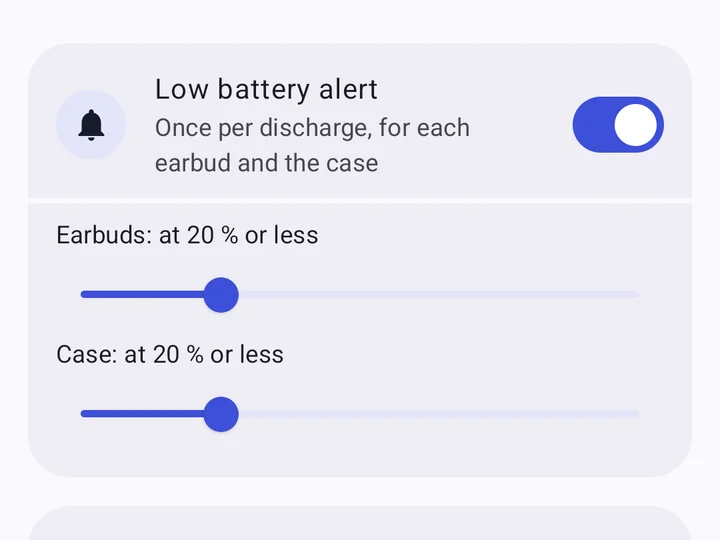
Alerts when the battery is low or fully charged
One payment. Yours for good.
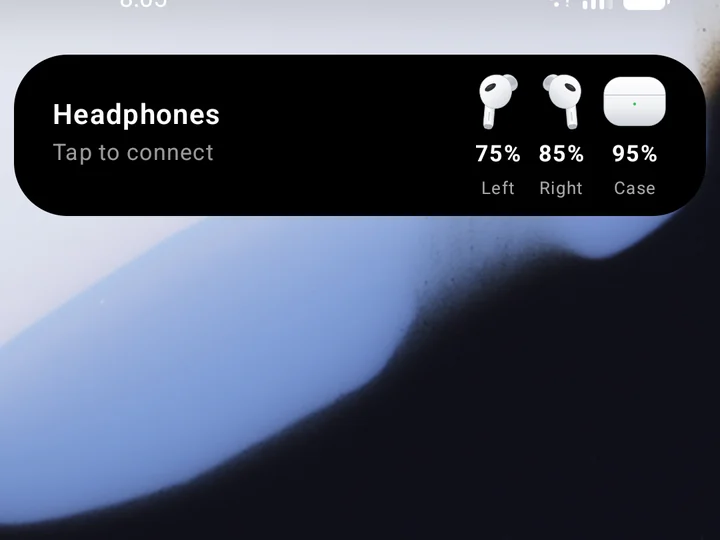
The battery in a black capsule at the top of your screen
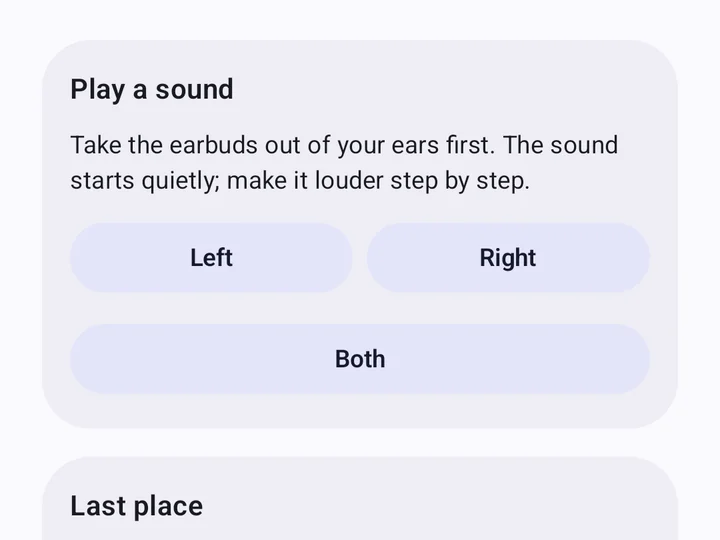
A sound in the left or right earbud, the place they last disconnected, and their signal
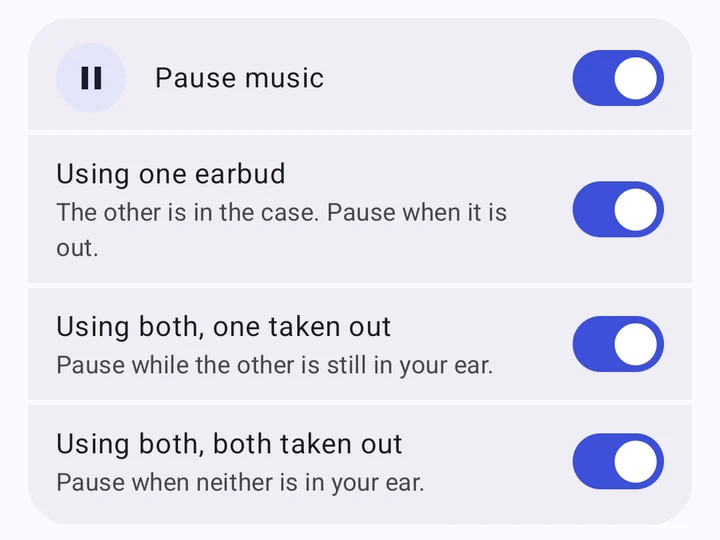
Pauses music when you take an earbud out and resumes when you put it back
AirPods (1–4), AirPods Pro (1, 2, 3), AirPods Max, Powerbeats Pro, Beats Fit Pro, Beats Studio Buds, Beats Solo, Beats Flex and other Beats models with an Apple chip.
Android does not show the battery of each AirPod and the case by itself. Install PodsCheck, pair the AirPods in Android's Bluetooth settings, then open the case near the phone: PodsCheck shows the left, right and case battery in a pop-up, a notification and home-screen widgets. It works the same for Beats headphones with an Apple chip.
PodsCheck is an Android app that shows the battery and status of AirPods and Beats headphones: a pop-up when you open the case, a battery notification, home-screen widgets, a Quick Settings tile and low-battery reminders.
AirPods (1st to 4th generation), AirPods Pro (1, 2 and 3), AirPods Max, Powerbeats Pro, Beats Fit Pro, Beats Studio Buds, Beats Solo, Beats Flex and other Beats models with an Apple chip. They must be paired with your phone in Android's Bluetooth settings.
Yes. Everything that shows your battery is free, with ads from Google AdMob. PodsCheck Pro is one payment, not a subscription: it removes the ads and adds Pods Island, Find my pods (a sound in one earbud, their last place and their signal), auto pause and play, battery history with time remaining, device profiles and more colour options. It costs US$2.99 in the United States; Google Play shows the price in your currency.
Android 12 or newer.
That is how the headphones report it over Bluetooth. PodsCheck shows the middle of each step.
PodsCheck itself does not: it has no account, no server of its own and no analytics. It uses your location only if you turn on the last place in Find my pods, and that place stays on your phone, like battery readings, history and settings. The free version shows ads from Google AdMob, which collects data to serve them: the approximate location from the IP address, app interactions, diagnostics and the advertising ID, as listed in the data safety section on Google Play. Pro shows no ads, and the ads SDK does not start.

Your pods' battery on Android: pop-up, Pods Island, widgets and Find my pods.
Get it on Google Play